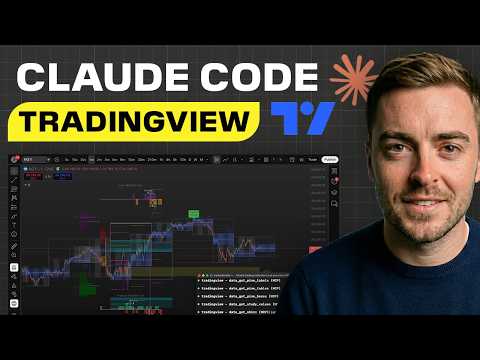
How To Connect Claude to Trading View (Insanely Cool)
Content Summary
Tutorial / How-ToHow To Connect Claude to Trading View (Insanely Cool) • Lewis Jackson
TL;DR
The video demonstrates how to connect Claude AI to TradingView via an MCP (Model Context Protocol) tool that allows Claude to read live chart data at the code level rather than through screenshots, enabling real-time interaction with charts, automatic indicator installation, and Pine Script generation directly from natural language commands in the terminal. The presenter shows the full setup process using a simplified "one-shot" prompt, demonstrates creating and applying trading strategies sourced from prominent traders, and introduces his own improvements including a "morning brief" feature that scans an entire watchlist at once and a customizable rules.json file for codifying trading strategies without emotions.
ELI5
Imagine you have a really smart robot friend who can look at your toy store catalog and tell you exactly which toys are on sale right now — not by looking at old pictures, but by actually reading the price tags in real-time! This video shows how to connect a smart AI helper to a stock chart program so it can read the charts like a robot reading price tags, and tell you when might be a good time to buy or sell.
Top Concepts
Keywords
Quick Actions
- !Download TradingView Desktop and enable CDP (Chrome DevTools Protocol) for the connection to work
- !Use the creator's one-shot setup prompt instead of manual installation to save time and avoid errors
- !Configure your rules.json file by talking naturally to Claude about your trading strategy
Want to analyze your own content?
Extract insights from YouTube videos, PDFs, and web articles. Free to start.
Try Knowmler Free